
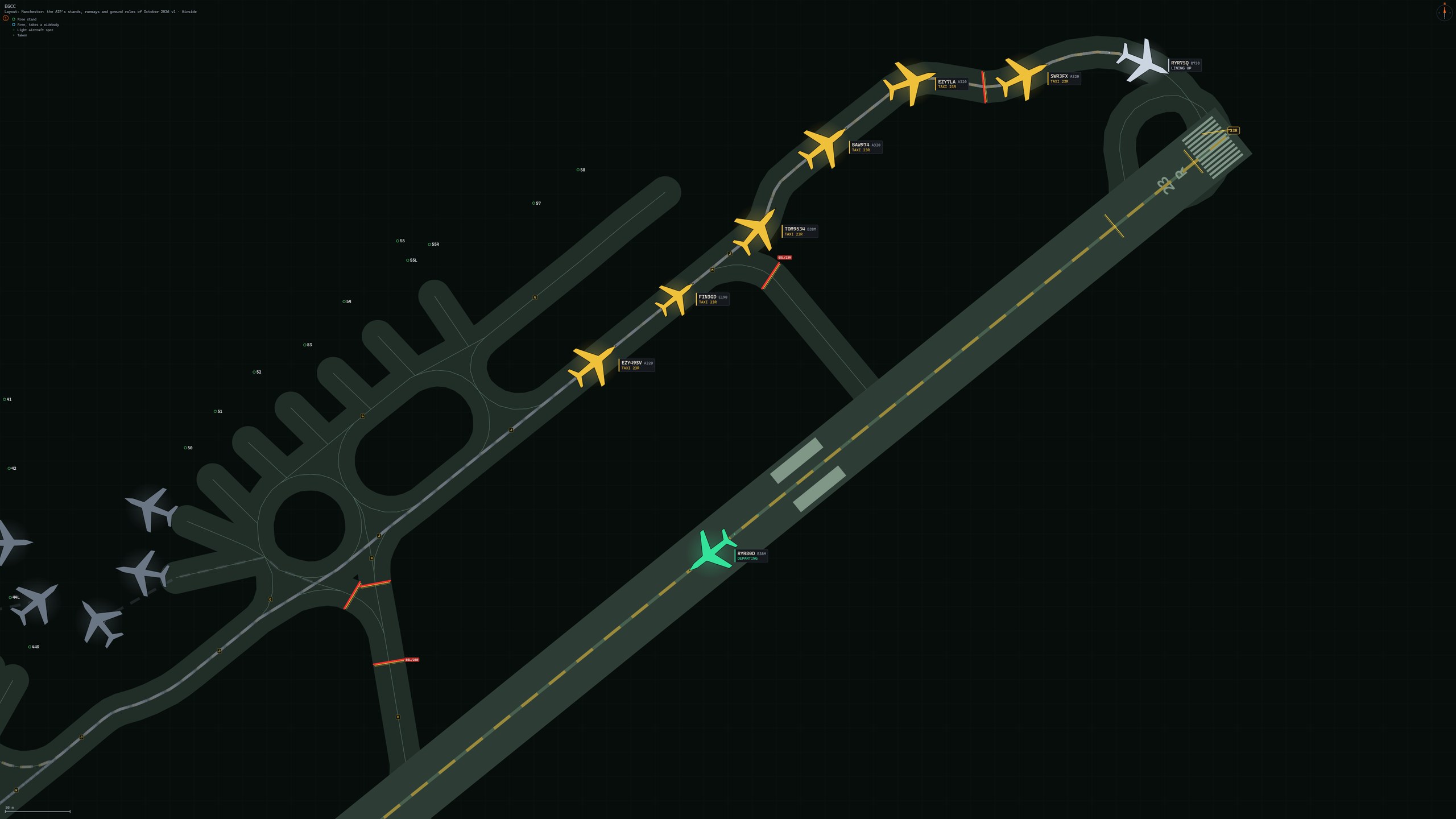
Airside ATC Simulator for MSFS 2024 0.8.1.1 brings Manchester to the Layout Library as an Airside Verified layout. Departures and arrivals in the simulator hold their line on the runway and on final, the Realistic voice says its calls more cleanly, and the Layout Editor gets a dozen fixes. In the launcher there is a theme for one week, and a new icon.
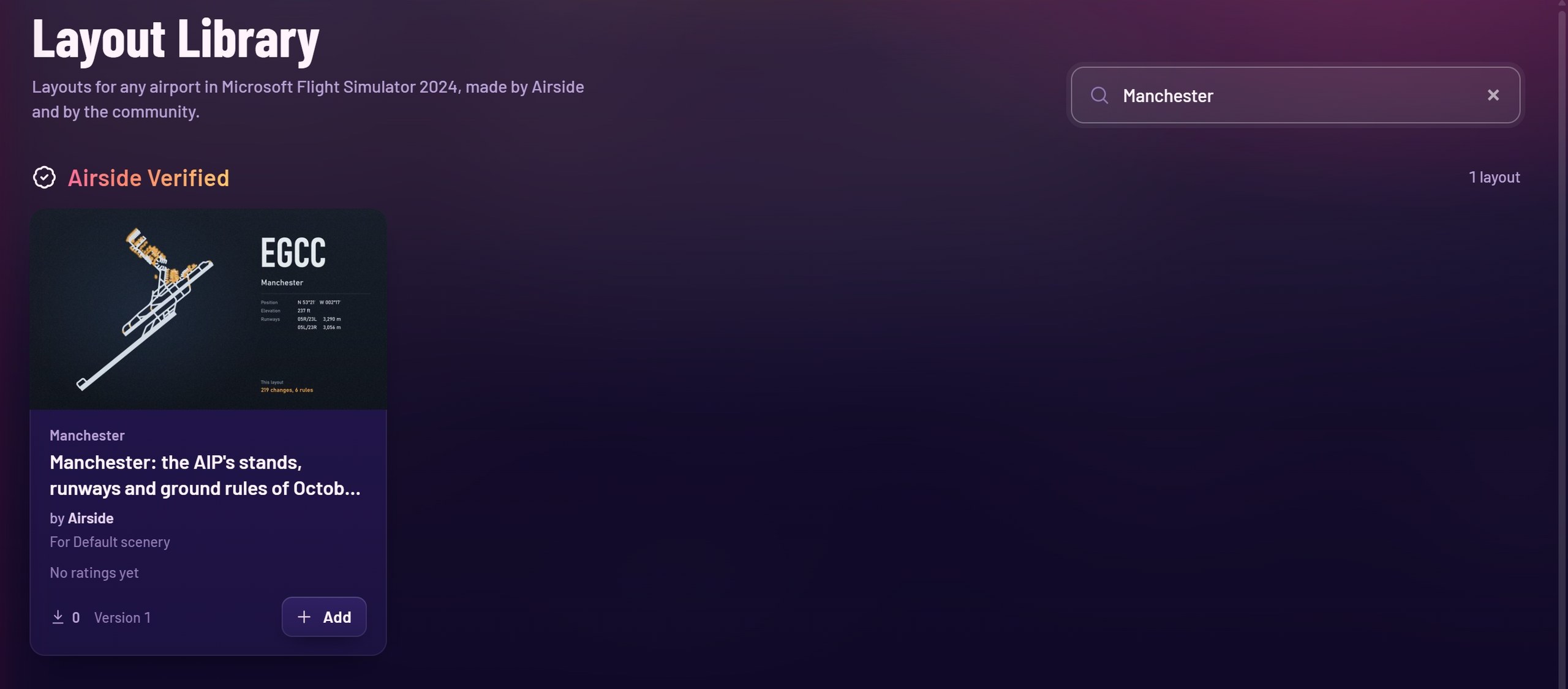
Manchester in the Layout Library
- An Airside Verified layout of Manchester (EGCC), open to everyone: the stands, runways and ground rules of the October 2026 AIP, every runway configuration, made for the simulator's default scenery.
- Find it in the Layout Library, or with "Find layouts" when you set up a shift at Manchester.
Traffic in the simulator
- A departure no longer turns on the spot as it starts its take-off roll: it settles onto the runway's heading as it gathers speed.
- An arrival no longer drops in height when it joins the final approach.
- Less bobbing on uneven taxiways.
On the radio
- San Diego (KSAN) 27: "vacate via B7" and "vacate via B8" are accepted.
- A departure that calls approaching the holding point can be given its line up or take-off clearance at once.
- Auckland (NZAA): no more 180 degree turn back after an exit; "taxi holding point A1" is accepted on 23L.
- Phoenix (KPHX): "via S" now takes taxiway S.
- On a rapid exit the aircraft follows the exit line instead of crossing the centreline and swinging.
- Holding points a layout names are understood by voice, for example at Heathrow LOWMAN, LOKKI, SNAPA, TULLA and COBRA, and "November to Echo".
- Porter Airlines is said as a word, and "Porter 2332" is understood.
- Düsseldorf (EDDL): Delivery 121.780, Ground 121.605.
- When both sectors of a position are yours, crews no longer ask "shall we contact ground?".
- The shift report counts the departure of an aircraft that landed and left again.
- A microphone that sends no sound is opened again at once, and you are told; "The speech engine did not start" now says why.
- Crew radios are on the 8.33 kHz channel (Europe) by default; 25 kHz can be chosen in Settings, Audio, Crew radio.
- Mods for Airside: the feed carries each aircraft's last clearance.
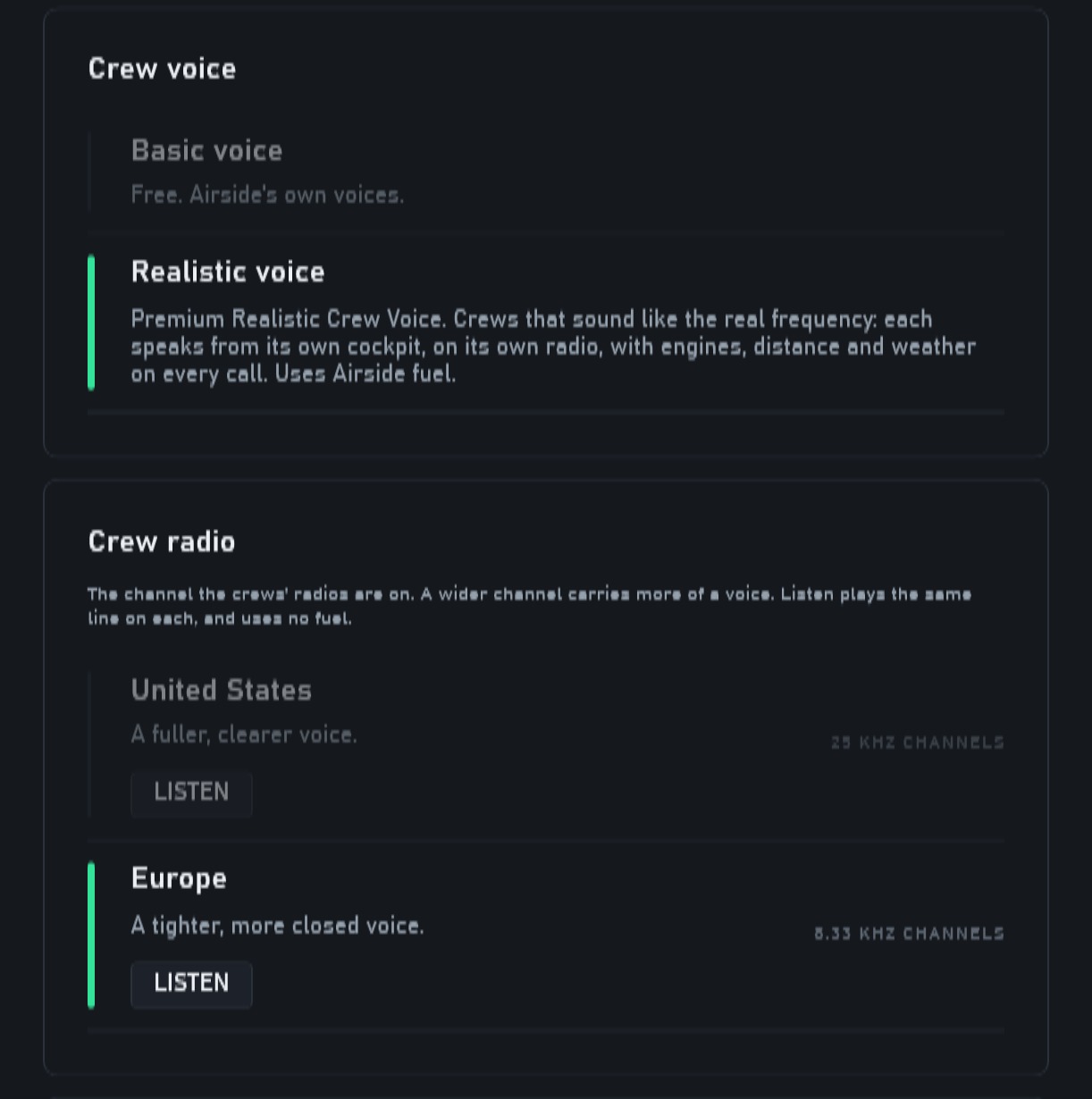
The Realistic voice
- A crew approaching the holding point and ready for departure says the whole call cleanly; with some crews it used to repeat words and stop.
- A long first call, such as one with a long airport name and a greeting, is no longer cut off and handed to the Basic voice.
- Long taxi routes are read back more naturally, with no single word left on its own, and a taxiway followed by one with the same name ("Romeo 7, Romeo") is read back right.
- Crews answer your courtesy in more ways and understand more of it: nice landing, good job, take care, good luck, see you tomorrow, thanks for your patience, have a good evening, merry christmas and more. A greeting or a goodbye is answered sometimes in your own words and sometimes in the crew's.
- Basic voice: crews answer your greetings and goodbyes in your own words.
The Layout Editor
- Area: a corner lands where you click, and snaps to a 15 degree line only when you click within a few pixels of it; with Alt held it never snaps.
- A runway holding point's dashed line is drawn on the runway side.
- Changing a stand's value no longer jumps the panel back to the top.
- A VFR reporting point takes a pasted coordinate such as 512839N 0002741W.
- The Hold tool says why when you click where there is no taxiway.
- With two screens, one button moves the editor to the other screen in full screen, and it opens there the next time.
- A stand's Neighbours rule written short (D:55L:A) is shown in full.
- A taxiway name with a space is refused, with the way to write it (LINK55, and "Said as" for the spoken name).
- The Try panel draws the route the desk plans.
- Select stands side by side and pick an aircraft: it is drawn on every one, and a wing that reaches into a neighbour shows red.
- A runway end can be given to light GA alone ("Use of this runway").
- Fix on a problem no longer leaves a new red behind it.
- The library's preview shows a layout's newest version.
The launcher
- Vice, a theme for one week: neon over a night city, until 27 November. The launcher opens in it once after this update; Settings, Theme takes you back to your own.
- A new icon: the Airside mark on a black tile, as on our Discord server. It shows on your Desktop and in the taskbar right after the update.
- Your friends on Discord see which Airside product is open, the airport and the positions you work.
- When you need to sign in, the launcher opens on the sign-in page.
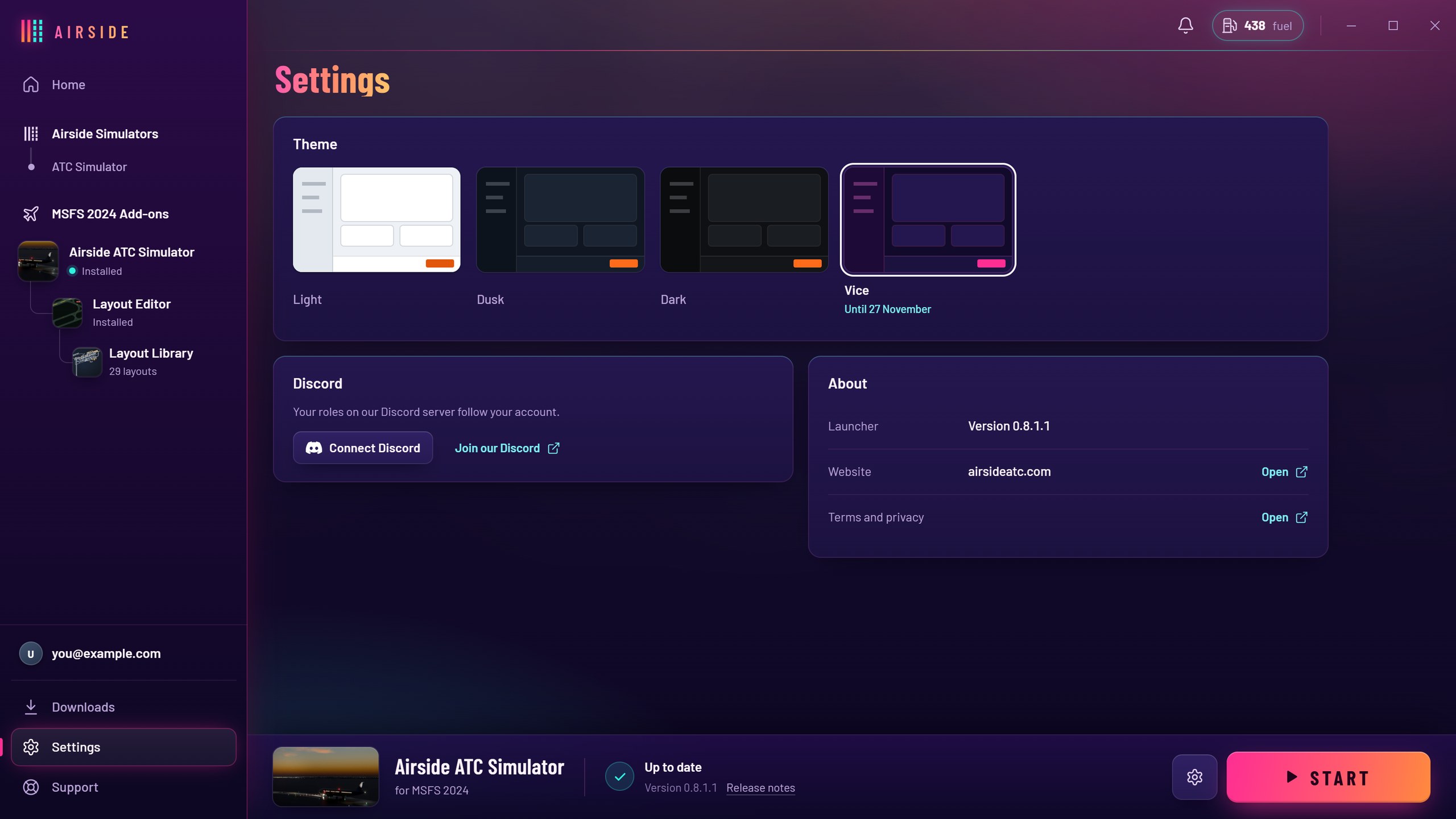
Open the launcher and press Update: everything arrives in one go.