 Airside
Airside ATC puts you on the controller's side of MSFS 2024. You work Tower and Ground at any airport in the simulator, and every aircraft on the field does what you tell it.
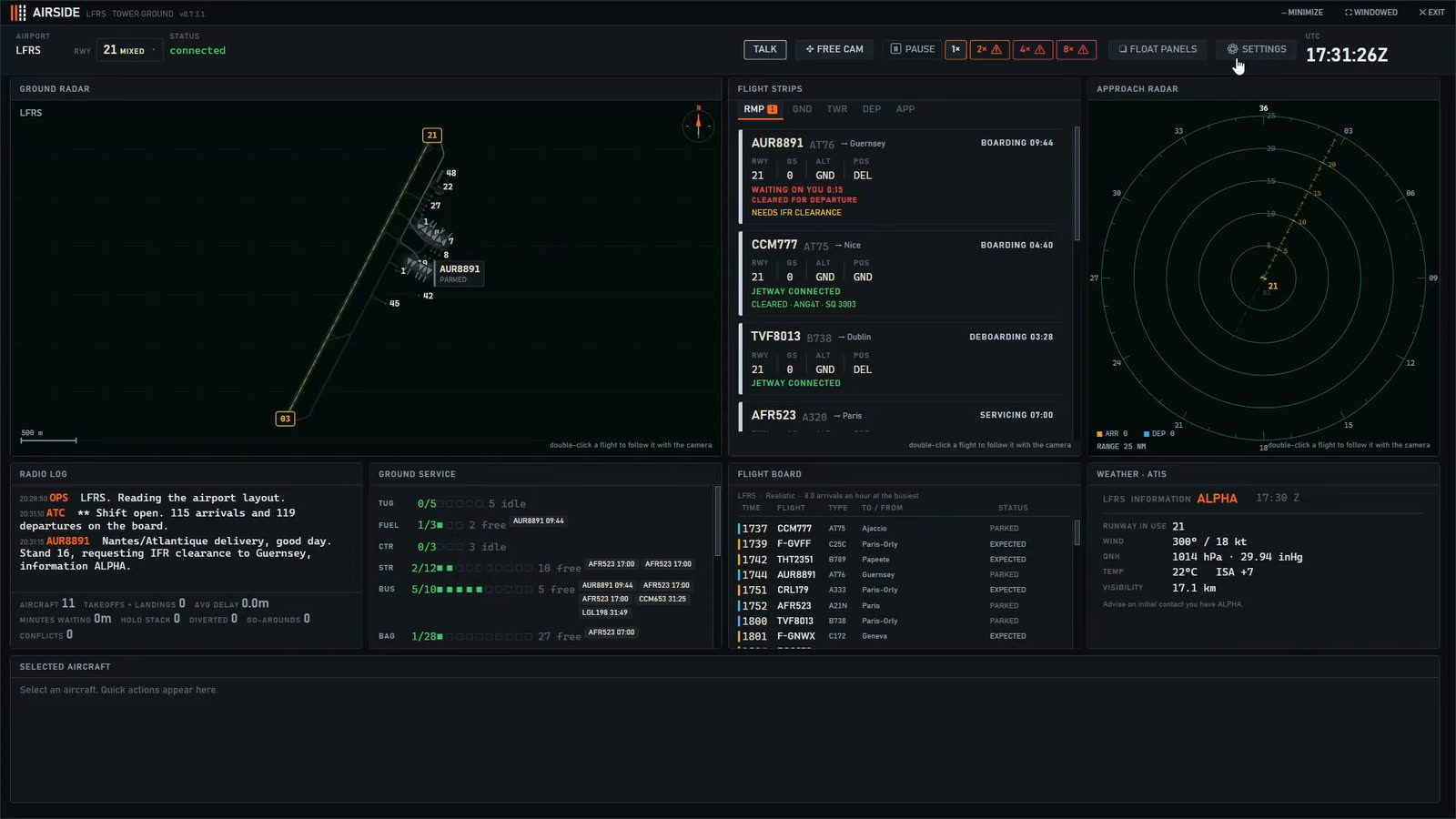
Microsoft Flight Simulator 2024 lets you fly and talk to its controllers. It does not let you be one. Airside is the other seat: you sit in the tower, the traffic is flown for you, and nothing moves on the airport until you clear it.
It is a tower simulator and a ground control simulator in one position. Clearances, pushback, taxi, runway crossings, line up, take off and landing are all yours.
The runways, the taxiways and their names, the gates and stands, and the published departures (SID) and arrivals (STAR) are read from the simulator itself. Your home field is there already, and so is every other airport in the world. A scenery add-on works exactly like a stock airport.
Standalone tower games ship a handful of airports and sell the rest one by one. Airside has every airport Microsoft Flight Simulator 2024 has, because that is where it reads them from.
Aircraft board at the gates, call you when they are ready, and wait for your pushback. You route them across the taxiways, hold them short, cross them over active runways, and bring the arrivals in to a free stand.
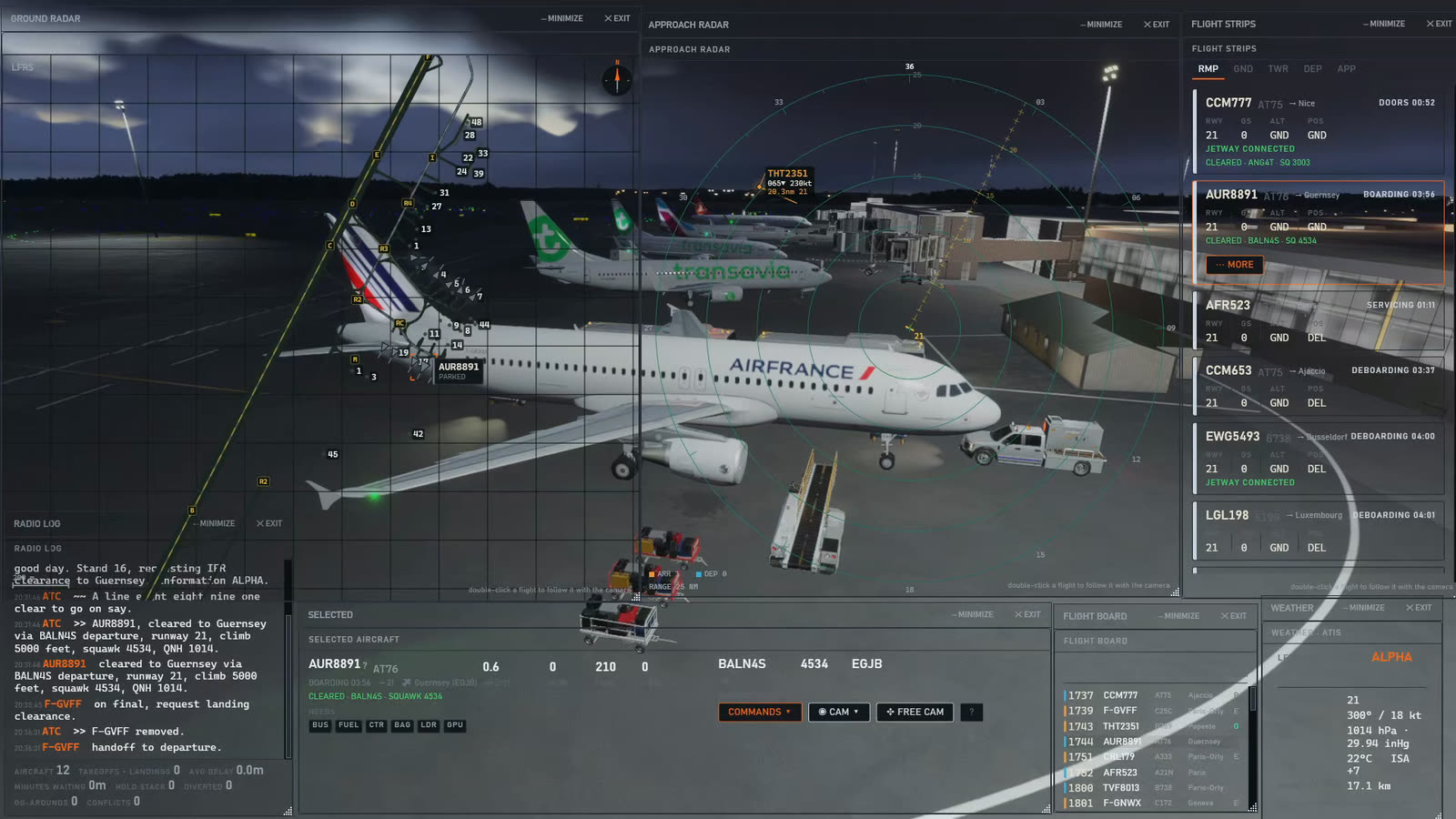
Hold a key and say the clearance the way you have heard it done, and the crew reads it back. If you would rather not talk, pick the aircraft and press the instruction. The speech recognition and the crew voices run on your own computer, and every crew gets a voice from 54, in a range of accents.
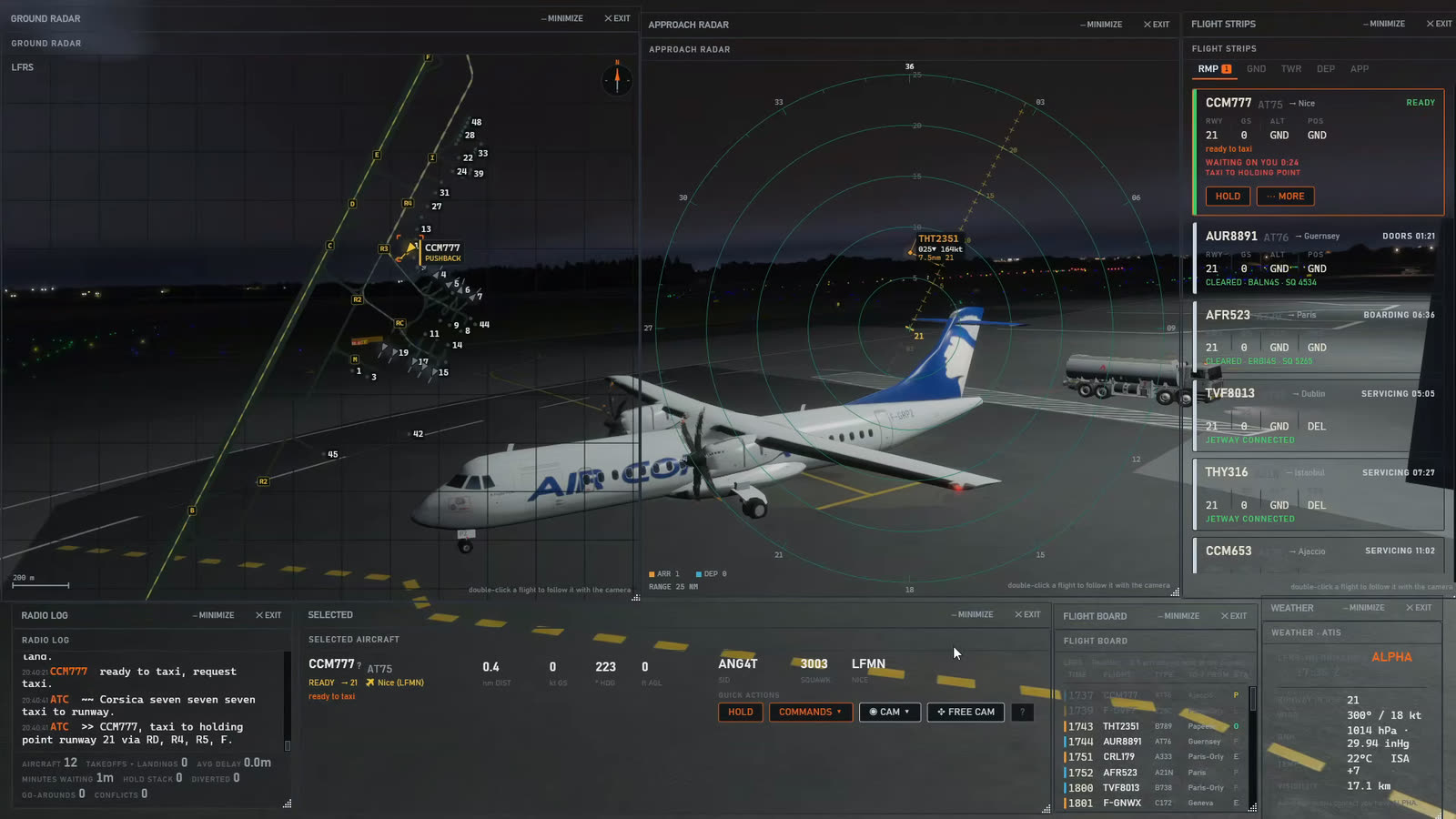
Flights land, park, take on their bags and their fuel, and go out again on the next leg. 292 airlines fly to places they really fly to, in the simulator's own aircraft or in the free FSLTL traffic set. You choose how busy it gets: a quiet field where you can take your time, or an hour with no gaps in it at all.
You do not need to know the phraseology before you start. Four lessons teach the position, and the crews ask for what they need before you have to guess. Get a callsign wrong and the frequency asks you to say again, the way a real one would.
Most ATC add-ons for MSFS, such as BeyondATC and SayIntentions, give pilots a controller to talk to, and networks such as VATSIM and IVAO put real people on the frequency. Airside is the opposite seat, and it is single player: you are the controller, and every aircraft is flown for you inside your own simulator.
Yes, with Airside. The simulator on its own lets you fly and talk to its controllers. Airside puts you in the tower and ground position at any airport, and the aircraft do what you tell them.
Not in the simulator itself. Airside adds one: it runs alongside Microsoft Flight Simulator 2024, reads the airport you are at, and gives you the tower and ground frequencies to work.
Airside brings its own traffic and flies it for you, and every movement on the airport waits for your instruction. Turn the simulator's own AI traffic off before your first shift, so the two do not meet.
No. Airside is single player. All the traffic is Airside's own, flown inside your simulator, and nobody else is on the frequency, so you can learn the job at your own pace.
No. Airside is made for Microsoft Flight Simulator 2024 and needs it installed.
Yes, if the simulator has it. Every airport in Microsoft Flight Simulator 2024 works, scenery add-ons included, because the layout is read from the simulator itself.
Yes. One hour of the full product, counted from the first time Airside opens on your computer. Sign in with your e-mail address and download it.
No. Every instruction can be given with a click. A microphone is only needed if you want to speak.
BeyondATC, SayIntentions, VATSIM, IVAO and FSLTL belong to their owners and are named here only to say how Airside differs.