
A busy airport is a lot for one controller. From this release you choose which positions you work, and Airside works the others. Hand over all three and the airport runs on its own while you watch.

Pick your position
The top bar now carries the three positions: DEL, GND and TWR. A position you work is filled in orange. Click it and Airside works it for you; click it again to take it back, at any time in a session.
- Delivery. Airside gives the IFR clearances.
- Ground. Airside approves pushback and start, and taxis departures out and arrivals in to their stands.
- Tower. Airside lines departures up, clears them for takeoff, clears arrivals to land, crosses aircraft over the runway and sends an arrival around when it must.
Work Tower alone at a busy field, or Ground and Delivery while Airside keeps the runway moving. An aircraft Airside is working says so on its panel, and a click on its position gives it back to you.
Everyone starts with all three positions, as before. Your choice is kept for your next session.
Airport spotter mode
Hand over all three positions and the bar shows SPOTTER. Airside works the whole airport: clearances, pushbacks, taxi, takeoffs and landings, with the traffic you chose. Sit back with the ground radar, or go out and watch it.
A camera that follows
Double-click a flight on either radar, its strip or the flight board, and the camera goes to it and frames it, a regional jet as well as a widebody. Plus and minus zoom in and out. In the simulator, hold Ctrl+Alt with them.
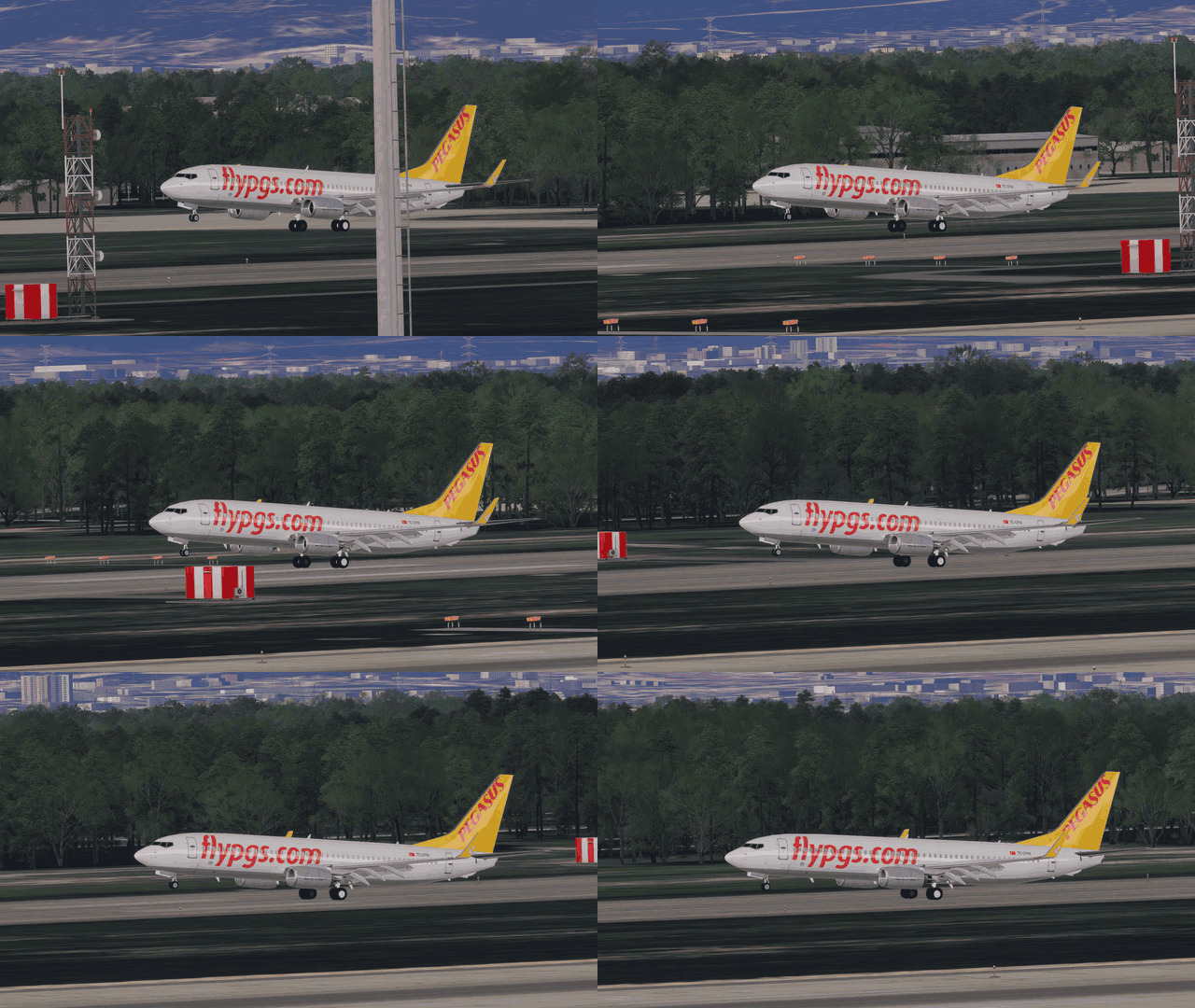
Free cam gives the view back to you.
On the runway
- Departures go in turn. Two departures waiting for the same runway no longer line up together. The second lines up behind the first and rolls once the first is well on its way.
- Going around at the right moment. An arrival keeps coming while the runway is still being cleared, and goes around only if it is still occupied a few hundred feet above the ground.
- After a rejected takeoff, the aircraft vacates and gets going again instead of stopping at the holding point.
- Takeoff power you can hear. About half the departures take off at full power, the rest at a reduced setting.
Smaller things
- Remove is in the commands of every aircraft, including those Airside is working.
- Large aircraft ride turbulence more smoothly than small ones, and an aircraft no longer rocks back and forth as it stops.
- More half-heard callsigns are understood the first time.
- An aircraft that cannot continue its taxi says so once, not over and over.
- In the tutorial, Start a shift takes you straight to the shift setup.
- The Airside name is new in the app and the launcher.
How to update
Open Airside from its launcher. It installs everything in one start.