
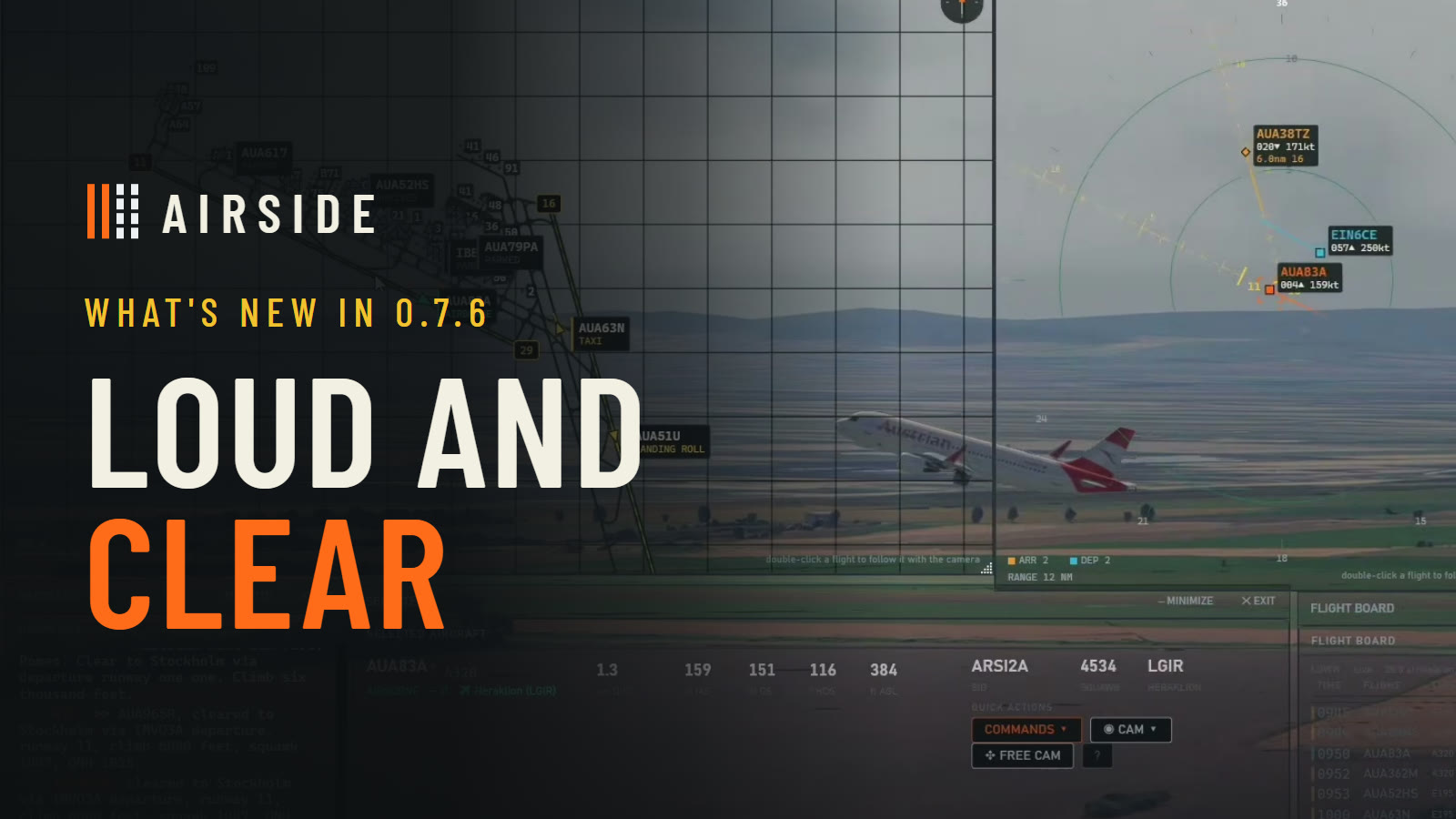
Loud and clear is what you want to hear on a frequency, and it is what this release is about. Since the last note, your crews talk back, they understand you better, and they work a landing the way real crews do. The session below shows most of it.
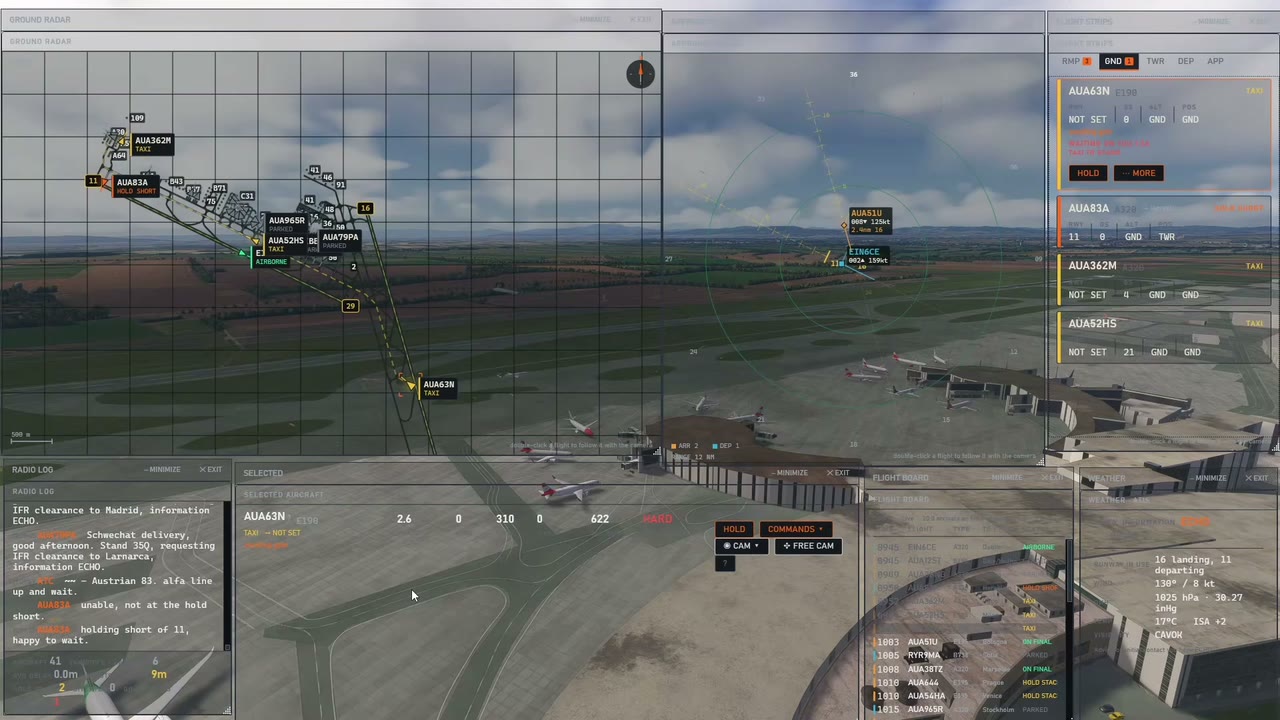
Your crews talk back
Every crew now has a small AI model behind it, running on your own computer. It never gives or changes an instruction: every clearance, readback and request is still the phraseology the radio manual teaches. What it gives the crews is their own words.
- A few words of their own. A crew never keys up just to chat. When it is on the air anyway, it may add a line: "holding short of one one, happy to wait", or "runway two four left, cleared for takeoff, good day".
- Answers. Say something that is not an instruction, like "sorry for the wait", and the crew answers you.
- A question when it did not catch you. A takeoff, a landing, a line up or a runway crossing the crew is not sure of is asked back first: "confirm cleared for takeoff runway two four left?" Say affirm and it goes.
- Yours to set. In Settings, AI crew, choose how often they talk: Off, Very rare, Rare, Normal, Often or Very often.
The model installs with Airside, in the same start as an update. Nothing downloads in the background.
Understood the first time
- Callsigns, even half heard. A letter the recogniser bends, or a callsign you start over in the same breath, no longer loses the aircraft.
- Who you meant. When a callsign is only half caught, Airside looks at what each aircraft is doing: a landing clearance goes to one on final, a takeoff to one at the holding point, a pushback to one at a stand. When two could fit, the crew asks.
- Sharper ears. Speech recognition is more accurate, and it comes with the voice update.
- More of the way people really talk: lining up, startup approved, cancel takeoff, continue taxiing, and "to" and "two" where each belongs.
Cleared to land, the way crews ask for it
Arrivals now check in with the tower on final: "established on final, runway one six". If they are getting close without a landing clearance, they ask for one, and if it still has not come, they go around, as a real crew would.
Arrivals touch down where they should on runways with uneven ground. Departures stop at the right holding point, including at fields that paint it far from the runway, and they go to a runway with a published departure. An end without one says "no SID, radar vectors" on the runway panel.
Live traffic
Live traffic, the real airlines, flight numbers and times your airport works that day, is part of the full version. Airside can get one new airport a day for you, and twelve a month, and an airport Airside already has never counts. The setup screen shows what you have left.
New in 0.7.6: the first screen lists where free live traffic is ready today. Someone already got today's timetable for those airports, so flying live traffic there never uses one of your new airports. Want somewhere else? Load it, choose Live traffic, and Airside gets it for you.
Your account
The account pages use the whole screen now, signing in included. There is a Screenshots page for sending us your best shots, the radio manual is one click away, and every account can pick its page colour in Settings.
Smaller things
- An update finishes in one start, whatever version you are coming from.
- Crews say the stand the way the map labels it, and call the station by its name.
- A live day with no airline flights says so, and a parked aircraft's destination matches its flight number.
- The free hour ends with a short rating window. Nothing is sent unless you press Send.
- The radio manual now covers the landing clearance, and the tip that saves most missed calls: press the key first, then speak.
- When a transmission is not understood, its words reach us as text, so we can teach Airside to understand it. Ask us and we stop keeping yours; the privacy policy says what this covers.
How to update
Open Airside from its launcher. It installs everything in one start.